Communication
Discord Timestamp Generator Guide
A practical guide to Discord timestamp syntax, style options, timezone behavior, and planning clearer server announcements.
What Discord Timestamps Solve
Discord communities often include people in different countries, regions, and schedules. A message that says the event starts at 7 PM can be unclear unless everyone knows the timezone. Discord timestamps solve this by displaying the time in each user's local timezone.
That makes them useful for game nights, livestreams, study groups, product launches, moderation shifts, community meetings, giveaways, and deadline reminders. A timestamp reduces back-and-forth because the time adapts to the reader.
Understand the Basic Syntax
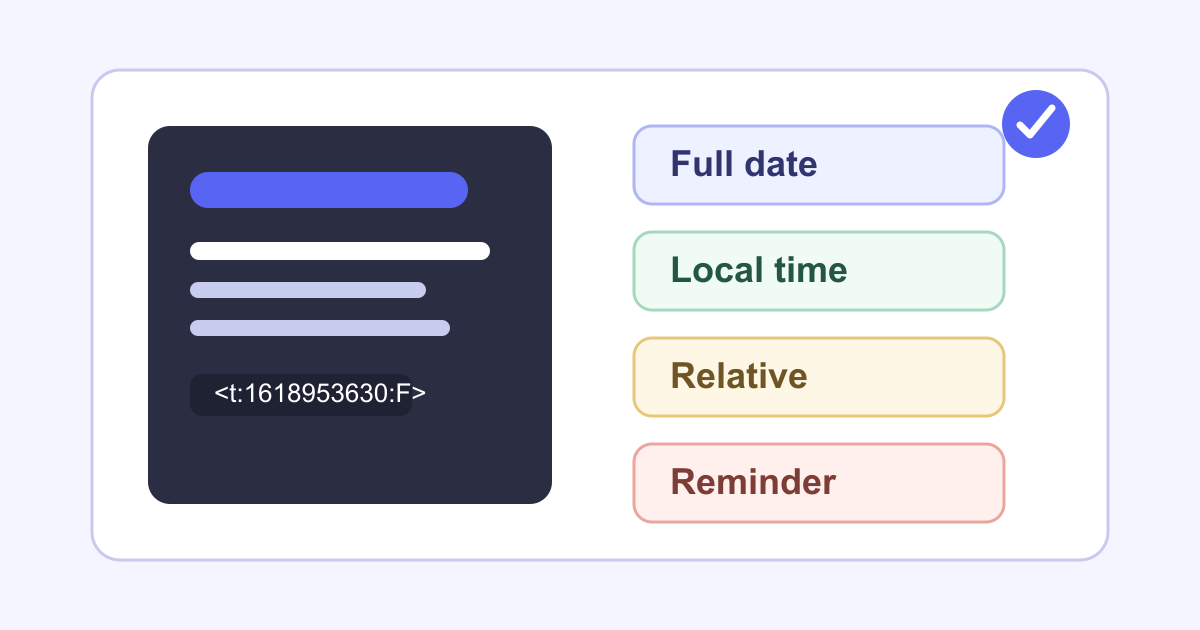
Discord timestamp markup uses a Unix timestamp in seconds. The basic format is <t:TIMESTAMP>. You can also add a style code with <t:TIMESTAMP:STYLE>. For example, <t:1618953630:F> shows a full date and short time format.
The timestamp number is not a normal calendar date. It is the number of seconds since January 1, 1970 UTC. That is why a generator is useful: you can enter a normal date and time, then copy the Discord-ready code.
Choose the Right Style Code
Discord supports several display styles. Use t for short time, T for time with seconds, d for short date, D for long date, f for long date with short time, F for full date with short time, and R for relative time.
For announcements, F is often clearest because it includes the weekday, date, and time. For quick reminders, R can be useful because it displays relative language. For schedules and calendars, f or D may be easier to scan.
Write the Message Around the Timestamp
A timestamp is only one part of a good announcement. Explain what is happening, who it is for, where to join, and what people should do next. Place the timestamp near the action so it is easy to notice.
For example: Community build review starts <t:1767205800:F>. Post your screenshots in the showcase channel before <t:1767202200:R>. This gives both the fixed event time and a relative deadline.
Preview Before Posting
Always preview or test the timestamp before publishing an important message. Check that the date is correct, the time was entered in the intended timezone, and the style code fits the message.
Mistakes usually happen when someone enters local time as UTC, uses milliseconds instead of seconds, or copies the wrong style. A quick preview catches those errors before the announcement goes live.
Use Timestamps for Repeated Community Workflows
Once your community understands timestamps, use them consistently. They are helpful for recurring events, application deadlines, moderation schedules, content drops, and reminders that involve people in different regions.
Keep a small template for announcements. Include the event name, timestamp, channel or link, requirements, and deadline. That consistency makes each new message easier to scan.
Use Generator Website to Reduce Errors
The Discord Timestamp Generator can turn a normal date and time into Discord markup quickly. Choose the date, time, timezone, and style, then copy the final code into your message.
Use the output as part of a clear announcement, not as the whole announcement. The best server messages combine accurate timestamp formatting with plain-language context.
Tools Mentioned in This Guide
Related Guides
- Practical Uses for a Morse Code GeneratorA grounded guide to using a Morse code generator for education, puzzle design, audio practice, creative prompts, and message testing.
- Random Generators for BrainstormingA practical workflow for using random generators as idea starters, filters, and creative constraints while still making thoughtful decisions.
- How to Review AI-Generated Images Before PublishingA practical editorial checklist for reviewing AI-generated images before using them in blogs, tools, marketing pages, or social content.
- AI Baby Generator Privacy and Ethics GuideA trust-focused guide to using AI baby generators carefully, especially when uploads, family images, consent, and public sharing are involved.
Frequently Asked Questions
What is a Discord timestamp?
A Discord timestamp is a Unix timestamp placed inside Discord's timestamp markup, such as <t:1618953630:F>. Discord displays it in each user's local timezone and locale.
Which Discord timestamp style should I use?
Use F for full event announcements, f for a shorter date and time, t or T for time-only reminders, d or D for dates, and R when relative time such as in 2 hours is clearer.
Why use a timestamp generator instead of typing the code?
A generator helps convert a normal date and time into Unix seconds, choose the style code, preview the output, and reduce mistakes when coordinating people across timezones.