QR Codes
QR Code Best Practices for Small Businesses
Use QR codes with more confidence by planning the destination, testing the scan experience, and making each code useful for customers.
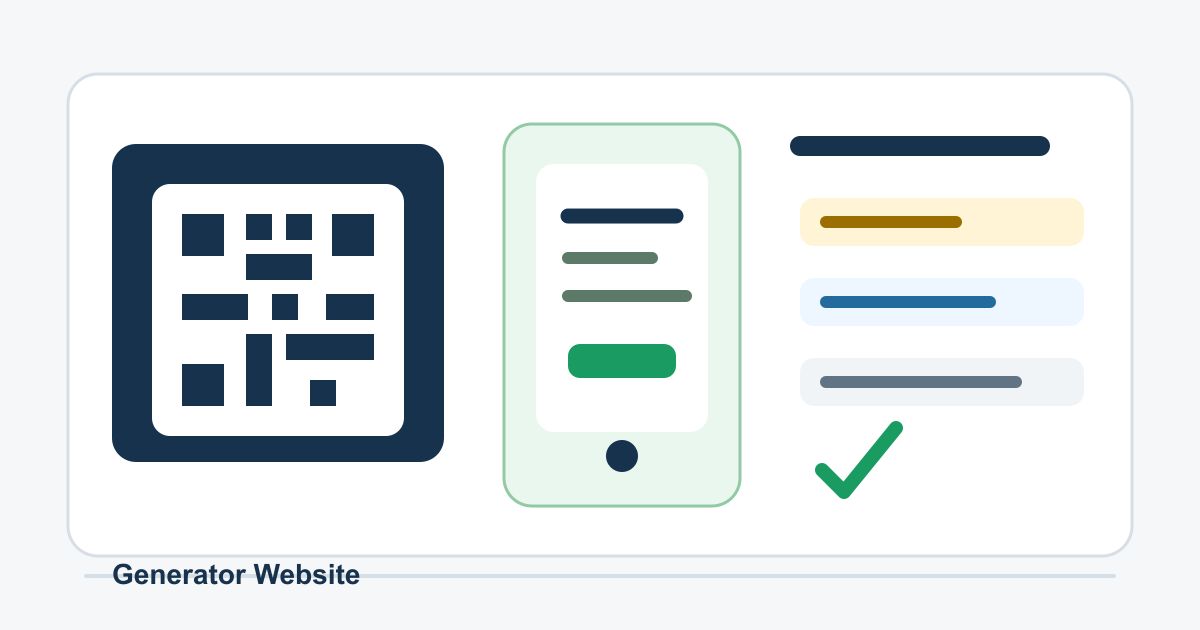
Start With a Clear Customer Action
A QR code is only useful when the customer immediately understands why they should scan it. Before creating the code, define the action: view a menu, book an appointment, claim an offer, leave a review, download instructions, join a list, or open a product page.
Avoid vague labels like scan me. A better label explains the benefit, such as Scan for today's menu, Scan to book your appointment, or Scan for setup instructions. The clearer the promise, the more likely customers are to use it.
Send People to a Mobile-Friendly Page
Most QR scans happen on phones, so the destination should load quickly, fit a small screen, and make the next step obvious. A large desktop page, tiny form fields, pop-ups, or slow media can turn a good QR idea into a frustrating experience.
Check the destination before printing anything. Open it on mobile data, not only fast office Wi-Fi. Make sure the page works without login unless the QR code is specifically for existing account holders.
Use Strong Contrast and Enough Space
QR codes need visual clarity. Use a dark code on a light background, preserve a clean margin around the code, and avoid placing it over busy photos or patterns. If you customize colors, keep contrast high enough for older phones and dim lighting.
Do not crowd the code with text or decorative shapes. A logo can work in some QR designs, but test carefully. If the code becomes harder to scan, the branding is costing you conversions.
Size the Code for the Scan Distance
A QR code on a business card can be small because the customer scans it up close. A code on a window, poster, trade show banner, table tent, or product package needs more room. The farther away the phone is, the larger the code should be.
Print a sample at the real size and scan it from the actual viewing distance. This simple test catches many mistakes before you pay for final materials.
Track Campaigns Without Confusing Customers
Tracking can help you learn which placements work, but it should not make the user experience worse. Use clean campaign URLs, short redirects from a domain you control, or a trusted QR workflow. Avoid suspicious-looking links that make customers hesitate.
If you use different QR codes for flyers, receipts, packaging, and in-store signs, label them clearly in your tracking system. That way you can compare performance later without guessing where each scan came from.
Test Before and After Publishing
Test the code with multiple phones, camera apps, lighting conditions, and distances. Confirm that the destination is correct, the page loads, the offer or form works, and the code still scans after printing.
After the code goes live, scan it periodically. Landing pages change, redirects break, offers expire, and printed signs can fade. QR code maintenance is part of the campaign, not a one-time task.
Tools Mentioned in This Guide
Related Guides
- Color Palette Guide for CreatorsA creator-friendly guide to building color palettes that look intentional, stay readable, and work across websites, graphics, and campaigns.
- How to Write Better AI Image Generator PromptsA clear prompt framework for getting more useful AI-generated images, with examples, review steps, and responsible publishing tips.
- How to Choose the Right AI Writing GeneratorA practical guide to picking the right AI writing generator for drafts, ideas, citations, resumes, and everyday content tasks.
- Typography Pairing GuideA practical guide to choosing font pairs that look intentional, read clearly, and support the content instead of distracting from it.
Frequently Asked Questions
What should a small business QR code link to?
A small business QR code should link to a useful, mobile-friendly destination such as a menu, booking page, coupon, contact form, map listing, product page, or review page.
How do I make a QR code easier to scan?
Use strong contrast, keep enough quiet space around the code, print it large enough for the scan distance, and test it on multiple phones before publishing.
Should I use one QR code everywhere?
Use separate QR codes for different campaigns or placements when you need cleaner tracking. A counter sign, flyer, receipt, and product label may need different destinations.